













10 Tips to Spring Clean Your Network
10 Tips to Spring Clean Your Network
By Karen A. Frenkel
File Away Old Data
Don’t let old, unnecessary data clog your network and slow you down. Set aside time each quarter to file anything on your network you aren’t actively using.
Monitor Your Bandwidth
As you tidy up your network, identify when more space is required. You may have had enough bandwidth to meet your requirements two years ago, but needs shift over time.
Tighten Your Security
Make sure your employees are implementing best practices around password creation and use, and multi-factor authentication. Centralize user management and single sign-on. Ensure that access to critical data is limited.
Make Critical Updates and Patches
Updates and patches are equally important to your overall security plan. More than one-half of all breaches occur because the organization failed to patch a known security vulnerability.
Archive Old Files and Emails
Nothing is quite as frustrating as a full inbox. Make sure you are archiving old emails and deleting big files you no longer need Automating deletion based upon preset rules is even better.
Disconnect Old Devices
Devices that are no longer in use, such as fax machines, copiers and phones, can hugely strain your network and represent potential vulnerability points. Disconnect any device that is no longer in use.
Clean Up Sloppy Servers
Like closets, servers can become cluttered, unwieldy and completely disorganized. When cleaning up your network, make sure to organize your servers and their contents in a systematic way.
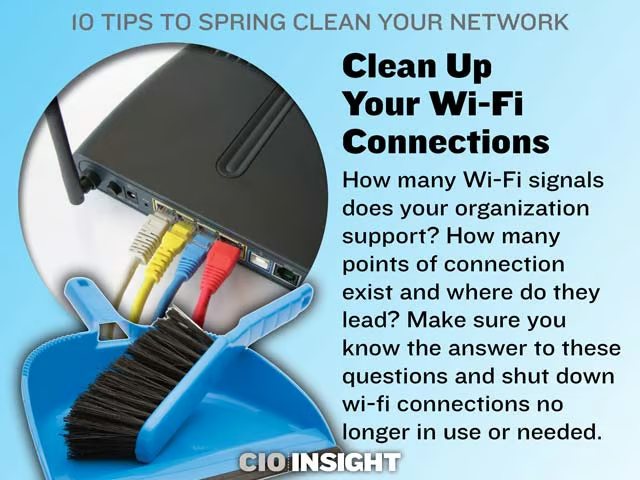
Clean Up Your Wi-Fi Connections
How many Wi-Fi signals does your organization support? How many points of connection exist and where do they lead? Make sure you know the answer to these questions and shut down wi-fi connections no longer in use or needed.
Disconnected Network Drives
Nothing can be quite as frustrating for IT as network drives that don’t connect. Make sure you have mapped them correctly so that they connect automatically upon reboot.
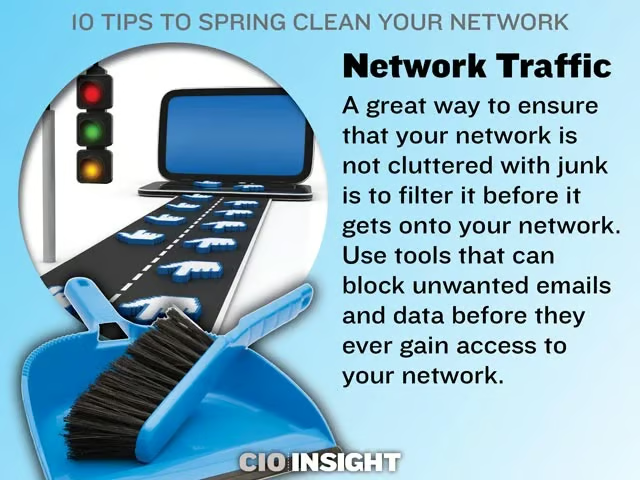
Network Traffic
A great way to ensure that your network is not cluttered with junk is to filter it before it gets onto your network. Use tools that can block unwanted emails and data before they ever gain access to your network.