













How to Prepare Your Organization for a Disaster

Build a Team
Your disaster recovery team should include mission-critical employees from every department, with backups for each individual. Elect one spokesperson from the group for communications.

Spread the News
Establish disaster recovery representatives at each remote location to work with the corporate-based team.

Conduct an Inventory
Identify all communications—e-mail, toll-free lines, call centers, VPNs and so on—which are most vital to keep business running at acceptable levels.

Produce a Contact Sheet
Create a list of key operational contacts throughout the organization to keep business running, along with multiple ways to reach them should disaster strike.

Set a Recovery Time Objectives
The recovery time objective is the maximum duration of time allowable for complete restoral after a disruption to maintain acceptable business continuity.

Set a Recovery Point Objective
The recovery point objective is the maximum tolerable period in which data can be lost from an IT service due to an incident.
Rank Accordingly
Rank all systems according to low-high recovery time objective and recovery point objective ratings, to prioritize what gets attention first after a disaster.

Incorporate Cloud Backup
Produce a written recovery plan that is hosted remotely in a secure and redundant data center.
Conduct Disaster-Recovery Drills
Schedule and test your plan at least once a year in accordance with regulatory and compliance requirements. This should include the assurance that employees can access the hosted environment on-site and remotely during fail-over mode.

Get Suppliers On Board
Validate their service-level agreements every quarter and make sure that core applications are operating at 99.999% availability.

Stock Up
Purchase uninterrupted power supplies and provide for generator access where necessary for an on-premise data center. Determine alternative ways to power the system if fuel trucks can’t get to your locations for several days.
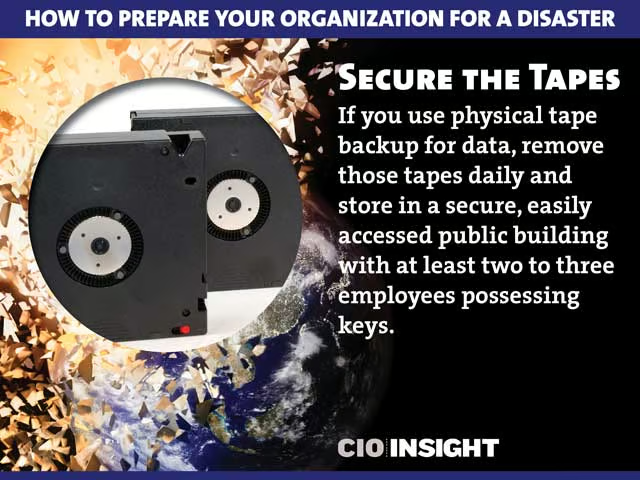
Secure the Tapes
If you use physical tape backup for data, remove those tapes daily and store in a secure, easily accessed public building with at least two to three employees possessing keys.