













10 Best Practices for BYOD
Keep Usage Policies Updated
Make sure policies respond to tech changes while remaining device-agnostic. In addition, they need to address the level of usage/activity that IT can monitor in the interest of protecting corporate data.
Have Employees Sign BYOD Agreements
This way, there won’t be any question about what is allowed and what isn’t-including IT’s right to remote wipe all device data (including personal data) if a device is lost or stolen.
Simplify Onboarding
Through self-servicing, you’ll minimize IT’s involvement every time a user needs to connect a device to the network.
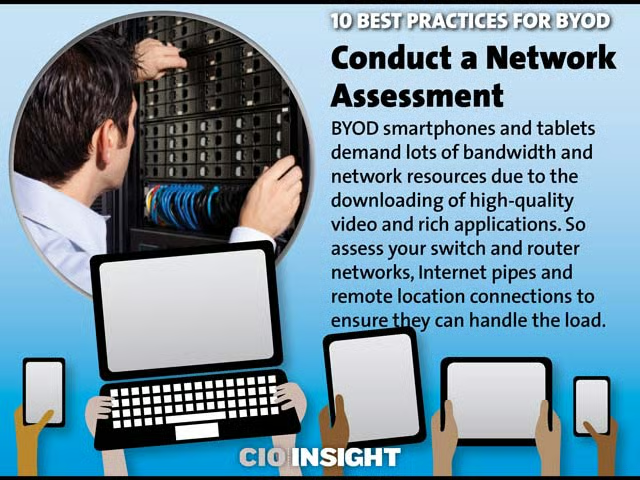
Conduct a Network Assessment
BYOD smartphones and tablets demand lots of bandwidth and network resources due to the downloading of high-quality video and rich applications. So assess your switch and router networks, Internet pipes and remote location connections to ensure they can handle the load.
Secure the End Points
Adapt an embrace-but-contain strategy by reviewing WiFi security, VPN access and authentication technologies.
Stay Adaptable on Upgrades
Apple and Samsung won’t update you on their latest advancements. Expect users to introduce new code to the enterprise at all times, creating connectivity, app and security issues.
Incorporate 24/7 Support
Downtime is no longer an option. If you can’t staff for ‘round-the-clock IT availability, bring on a managed services partner who can.
Track Impact
To determine ROI, evaluate how much more BYOD is giving in improved productivity, customer engagement, hardware cost savings and staff retention than it’s taking in terms of IT’s time involvement and increased risk.
Consider a Device Ceiling
If BYOD is getting out of hand, you can always implement a policy to limit the amount of devices that users can connect to the network.
Emerge as a BYOD Advocate
Ultimately, BYOD should benefit your organization through greater mobility, efficiencies and innovation. If you proactively champion its value, you’ll more likely gain buy in from users on acceptable practices (while avoiding shadow IT).