













11 Ways IoT Affects Security (And What You Can Do)
 Regularly Update Software
Set all network-connected devices to enable the vendor’s auto-update security features. This reduces the number of security vulnerabilities that can be exploited.
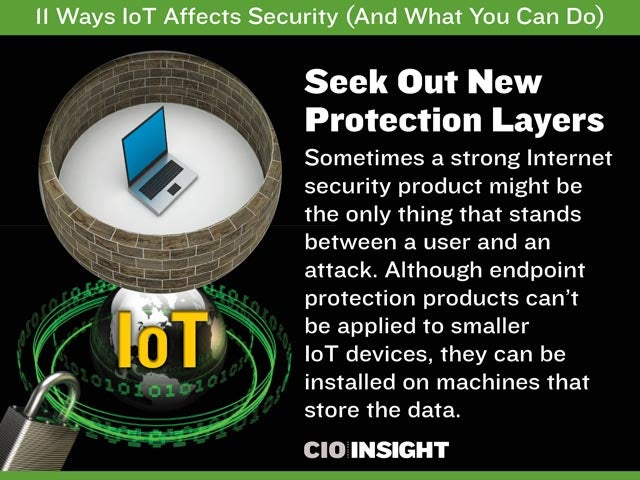 Seek Out New Protection Layers
Sometimes a strong Internet security product might be the only thing that stands between a user and an attack. Although endpoint protection products can’t be applied to smaller IoT devices, they can be installed on machines that store the data.
 Periodically revisit Your BYOD Policy
Are you unknowingly allowing potential security threats because of lax rules? Incorporate IoT into your security policy, and revisit the policy every quarter as technology and access points change.
 Educate Your Employees
Prevent a BYOD open rebellion by educating your employees on IT policy updates. Don’t simply explain why changes are being implemented. Instead, encourage employees to come forth with additional ideas for protecting the enterprise.
 Use Strong Passwords on IoT-Related Websites
Since senior executives are primary targets for phishing, it’s important that any personal information—even things as simple as exercise and eating habits—are protected with strong passwords.
 Don’t Connect Through Social Media
It’s common for IoT devices to allow users to log-in through existing accounts, such as Facebook. Opt to create your own account for any IoT Websites so that your other sites are secure even if one falls
 Never Share Personal Information
Some IoT sites allow you to publish your exercise or dietary information. Don’t. This helps cybercriminals to craft effective phishing emails. As often as possible, use fake personal information when registering for access to new applications and programs, Websites, or establishing new online accounts
 Proactively Monitor Threats
Use data analytics programs to monitor and pinpoint security threats.
 Know IoT-Related Privacy Policies
Read the fine print before accepting “yes” when using an IoT-related Website. Are you unknowingly granting access to other areas of your computer or phone?
 Don’t Auto-Save Passwords
By default, many web browsers ask if you would like to save passwords. Never auto-save passwords to IoT devices. Instead, invest in a password management tool, like LastPass or Roboform, which integrates on all of your devices.
 Properly Deactivate Devices
Know how to properly deactivate, wipe clean and recycle an IoT device. Even if a device breaks or malfunctions, the data can still exist. Erase it before giving up control of the device.